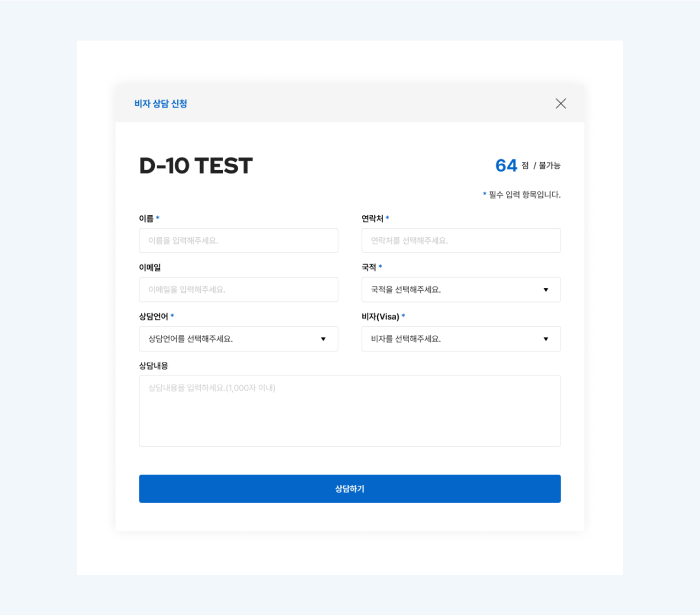
Step 1
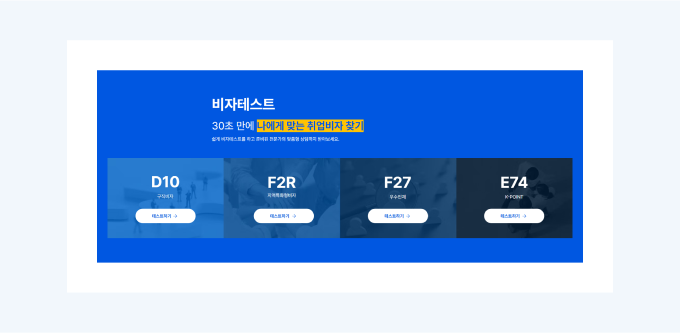
Access the Visa Test Page
Find [Visa Test] in the menu.

Step 2
Select Test Type
- Select Visa Type.
- D-10 Job Seeking
- F-2-R Region-Specialized Visa
- F-2-7 Talented Individuals
- E-7-4 K-POINT
- E-7-4R Region-Specialized Skilled Workers
Step 3
Choose an Answer
- Please select the appropriate answer for each item.
- To ensure an accurate score, you must answer all items honestly and accurately.
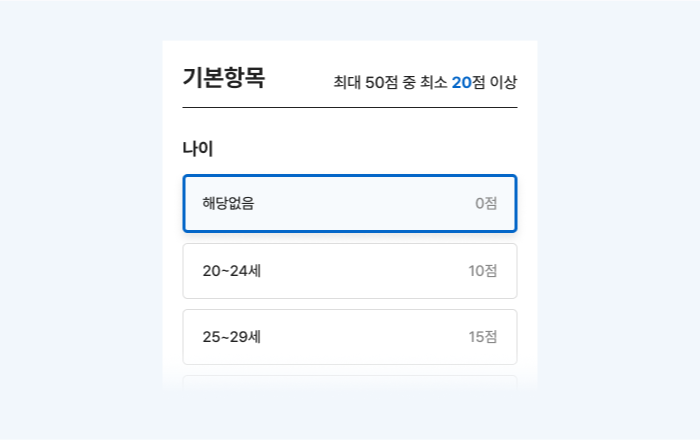
Step 4
Check Score Sheet
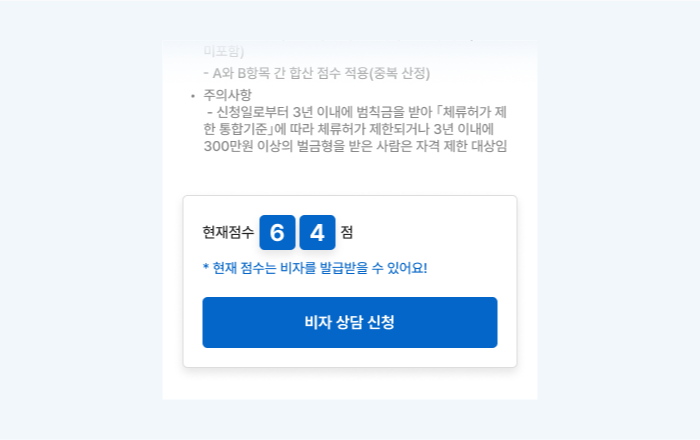
- Selecting an item will automatically display the score sheet below.
- You can also check your score and visa eligibility (possible/unpossible).
- Consultation is available at any time.
Step 5
Request Visa Consultation
- Click [Request Visa Consultation] at the bottom of the score sheet
- Please fill out the consultation request form.
- After filling it out, click the [Consult] button.
What happens after requesting a consultation?
- A Kozy representative will contact you.
- You can receive detailed guidance on visa changes/issuance.
- We will also guide you through the necessary documents and procedures.