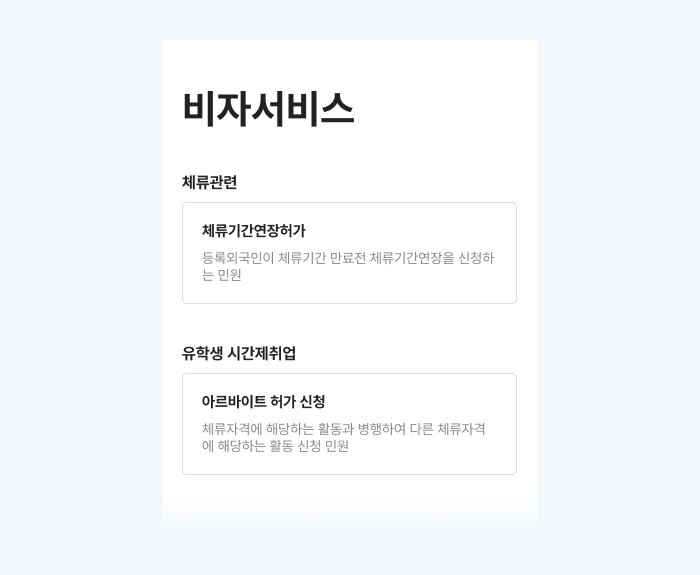
Step 1
Go to the Visa Service Page
- Find [Visa Service] in the menu.
- You can select and apply for either Extension of Stay Permit or Part-Time Work Permit.
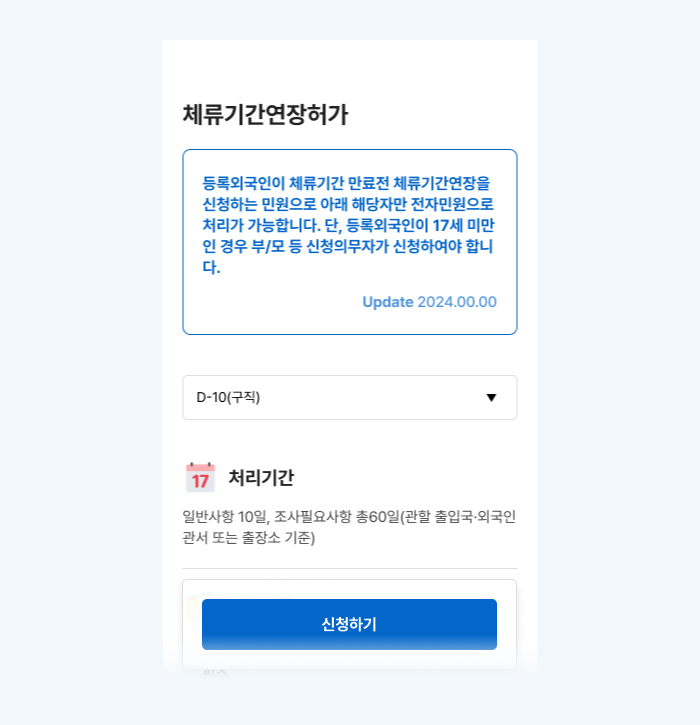
Step 2
Check Service Information
- You can check details such as the processing period, permitted fields, and required documents for each selected service.
- Before applying, you must check the applicable requirements and required documents.
- Click the [Apply] button to complete the application.
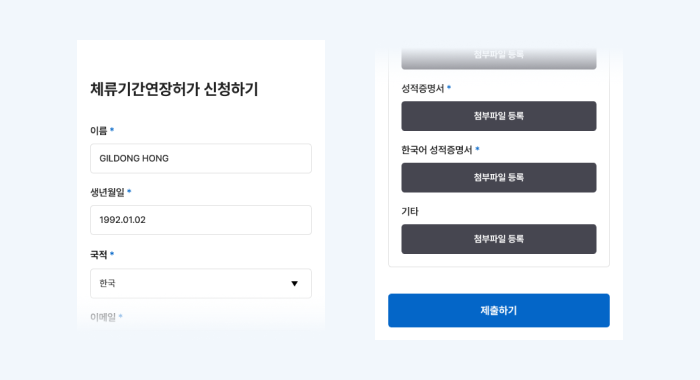
Step 3
Fill out and submit the application form
- Fill out the application form, attach required documents, and click [Submit].
- Duplicate applications are not permitted.
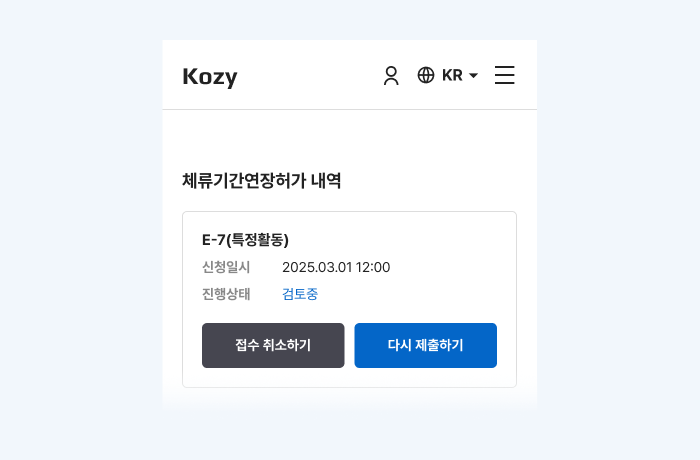
Step 4
Check application details and progress
- You can check your application details and current processing status on My Page.
What happens after you apply for a consultation?
- A Kozy representative will contact you.
- We will provide guidance on reviewing required documents, payment instructions, and more.